

ChildLock — protect your child's screen time
Block the apps they shouldn't open. Hand-pick the channels they can watch. Keep the key with you — on iPhone and Android.
Free to download on iPhone and Android.
Blocked apps
Pick the games, social apps, and everything else your child shouldn't open. ChildLock shields them — with Apple's Screen Time on iPhone, and its own lock screen on Android.
Curated channels
Slow-paced, real-presenter channels — hand-picked by the ChildLock team and sorted by age. No unboxing, no AI slop, no rapid-cut brainrot.
Only you hold the key
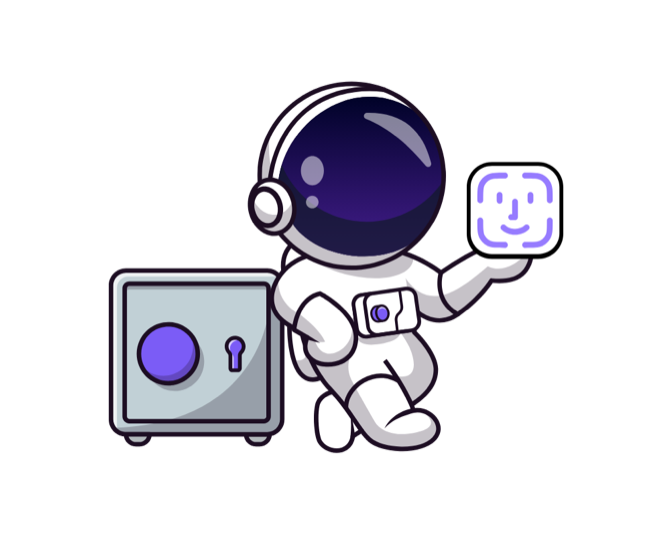
Unlocking takes your Face ID on iPhone or your fingerprint on Android. Kids can't tap or swipe past the shield.
Minutes-in-app
Watch how long they actually watched. No dark-pattern engagement metrics.
How it works
-
Block the apps
Choose the apps your child shouldn't open. ChildLock shields them on the device — no app-by-app arguing, no deleting and reinstalling.
-
Approve the channels
Search for a channel or start from our curated, age-banded suggestions, and approve exactly what your child may watch.
-
Keep the key
Hand over the phone. When the session ends, only your Face ID or fingerprint can extend it — and you see honest minutes-watched, not engagement bait.
One phone, two sides
Your child gets a calm space with only what you approved. You get a locked control room for the apps, the channels, and the clock.
For parents
On iPhone, blocking runs on Apple's own Screen Time / FamilyControls framework. On Android, ChildLock uses Usage access and Display over other apps to put its lock screen over a blocked app. Either way it runs on the device and holds up even when your child closes ChildLock. Your child's name and watch history stay on the phone. See the privacy policy for iPhone or Android for the full accounting.